Your first crypto wallet, and a share of our fee pool.
Fifteen minutes, three steps, no money needed. When you are done, your wallet is paid automatically on every distribution day.
Start with step 1Amounts depend on trading volume and can be zero. We never promise a number.
Create a Pump.fun account
Signing up with your email or Google takes a minute. Pump.fun creates a wallet for you at the same time.
Move your wallet into Phantom
Phantom is a free wallet app used by millions of people. Putting your Pump.fun wallet in it gives you full control, and lets you connect it to this page.
Install Phantom
On your phone from the app store, or as a browser extension. When it asks, create a new wallet and write the recovery phrase on paper.
Get PhantomCopy your key from the app you signed up on
On the website
- Click your address in the top right. Not View profile.
- Choose Export Privy Wallet. Log in again if asked.
- Slide to reveal, then Copy.
In the app
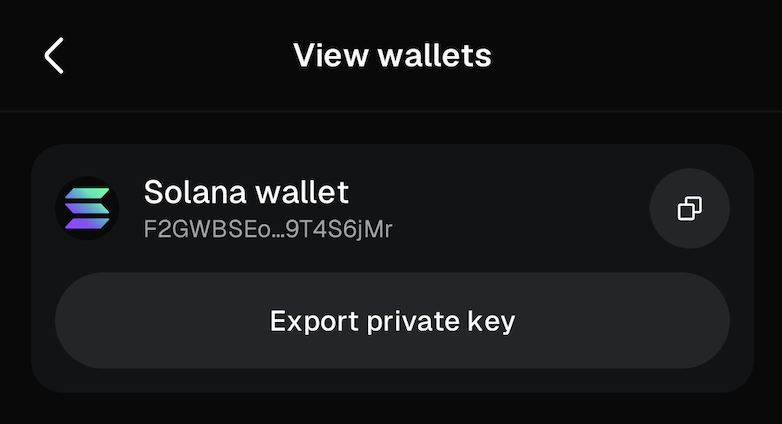
- Profile, then the menu, then Settings.
- Open View wallets and tap Export private key.
- Copy the key.
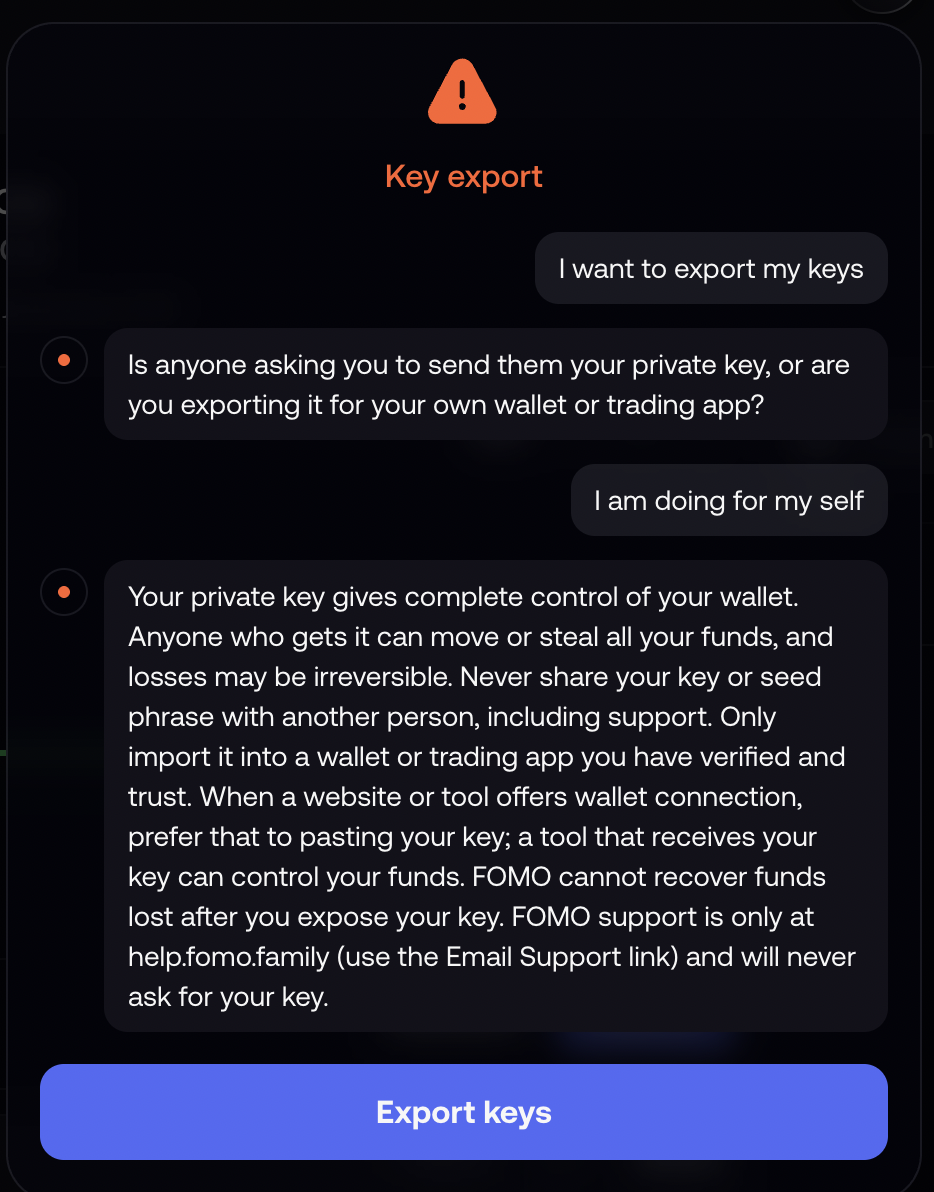
- Open the chat in Fomo and type I want to export my keys.
- Answer that it is for yourself, then tap Export keys.
- Copy the key.
Add it to Phantom
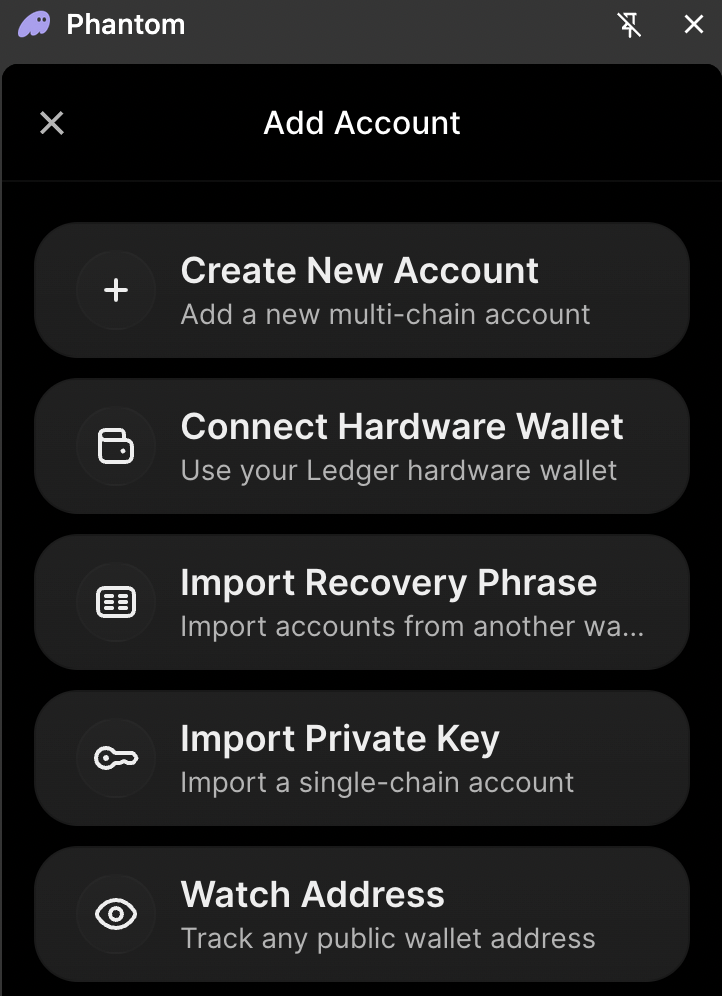
- Open Phantom. Settings, then Manage Accounts.
- Tap Add Account, then Import Private Key.
- Paste the key, name it Pump.fun, confirm.
- Check the address matches the one in the app you signed up on.
Connect Phantom and sign
Connecting shows us your address. Signing proves the wallet is yours. Neither moves money, and we never get access to your wallet.
Three rules that keep your money safe
Questions
What is a wallet, and what is a wallet address?
A wallet is your account for crypto. It holds your coins. A wallet address is like an email address for money: a long code that is safe to share, and that we use to send you SOL. SOL is the coin of the Solana network, which is what everything here runs on.
Why Phantom? I already have a wallet on Pump.fun.
The wallet Pump.fun gives you lives inside Pump.fun and cannot connect to other websites, so there is no way for us to confirm it is yours. Once it is in Phantom it can connect here and sign, and we know for certain which wallet to pay. Your Pump.fun account keeps working as before.
Is exporting my key safe?
Yes, as long as it only ever goes into the Phantom app. Phantom publishes an official guide for exactly this. The danger is pasting it anywhere else.
When and how much do I get?
Distributions happen [FREQUENCY]. The pool is the trading fees from our token, minus a little kept for network fees, split equally between every eligible wallet. It changes with trading volume and the number of people, and some rounds can be zero. Your first payment comes on the first distribution day after your entry has been checked.
What do you check?
That the account was created through our links, that the wallet is real and has been used, that the entry is at least a day old, and that it is one entry per person. Entries are checked again every round, so a problem this time does not lock you out. Every rejected entry is listed in the public report with its reason.
Is it really free?
Yes. You never buy anything or deposit money. We earn a referral commission from the platforms, which comes from them, not from you.
How do I check the payments are real?
Open solscan.io and paste our distribution wallet address from the box below. Every payment is there. You can paste your own address too.
Everything is public
[CONTRACT_ADDRESS][DISTRIBUTION_WALLET][FEE_SPLIT][FREQUENCY]